What you need to know
- Google revealed a series of experimental features headed for its Arts & Culture app.
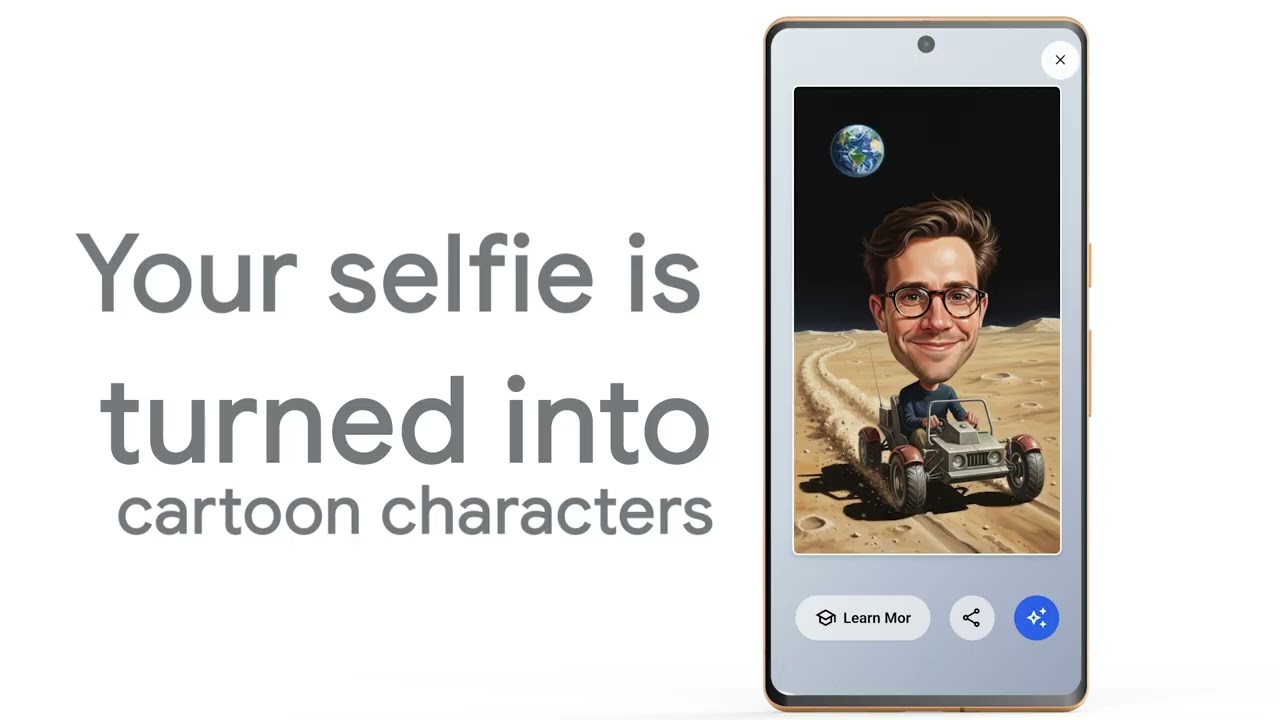
- Users can experiment with "World Toon Video," which turns selfies into cartoon styles (or a puppet) to be used in a generated educational clip about certain topics.
- Google also announced experiments for "Learn Everything" that uses your photo as a metaphor for learning new things, alongside Art Chats.
Enjoy our content? Make sure to set Android Central as a preferred source in Google Search, and find out why you should so that you can stay up-to-date on the latest news, reviews, features, and more.
Sometimes, learning can seem a little unfavorable, but Google is rolling out an AI update for the arts and sciences that might make it exciting, if not wacky.
Announced this week, Google highlighted an AI experimental update for its Arts & Culture app that can merge you or someone you know into an educational clip. Something that stands out in this AI update is the app's "World Toon Video" experiment. According to its notes, Google says users can take a selfie, which will be placed into a generative AI "educational video clip" narrative.
After snapping a selfie, users can swipe through their "style," such as puppet, cartoon, old cartoon, and more. Then, you'll select a "scene." This is what determines the educational reason behind your character cruising across the moon or snaking through a dense jungle. Google's AI will generate your character and the setting before animating it into a video clip.
The second Arts & Culture experiment is called "Learn Everything." This feature was designed on the basis that regular things in our lives can actually become a cool teaching moment. Google's notes state, to get started, users need only take a photo of something mundane: a coffee mug, a light bulb, or a plant. The AI will use your photo as a "metaphor" for that teaching moment, which users can decide after.
Per Google's example, users can take a photo of a light bulb and tell the AI that it wants to learn about Stellar Evolution at an Intermediate level (there are also Beginner and Advanced levels).
The AI will generate that explainer, using your photo as fuel, shortly after.
The final experiment, which is already available in the Arts & Culture app, is "Arts Chat." It's a similar experience users who've engaged with AI chatbots will recognize. Google states users can converse with the AI in "real-time" about famous artists and their work, as well as watch "explainer videos" about art genres. Of course, the backbone of this feature is Gemini, so that leans a little more into that recognizable experience.
Never forgotten
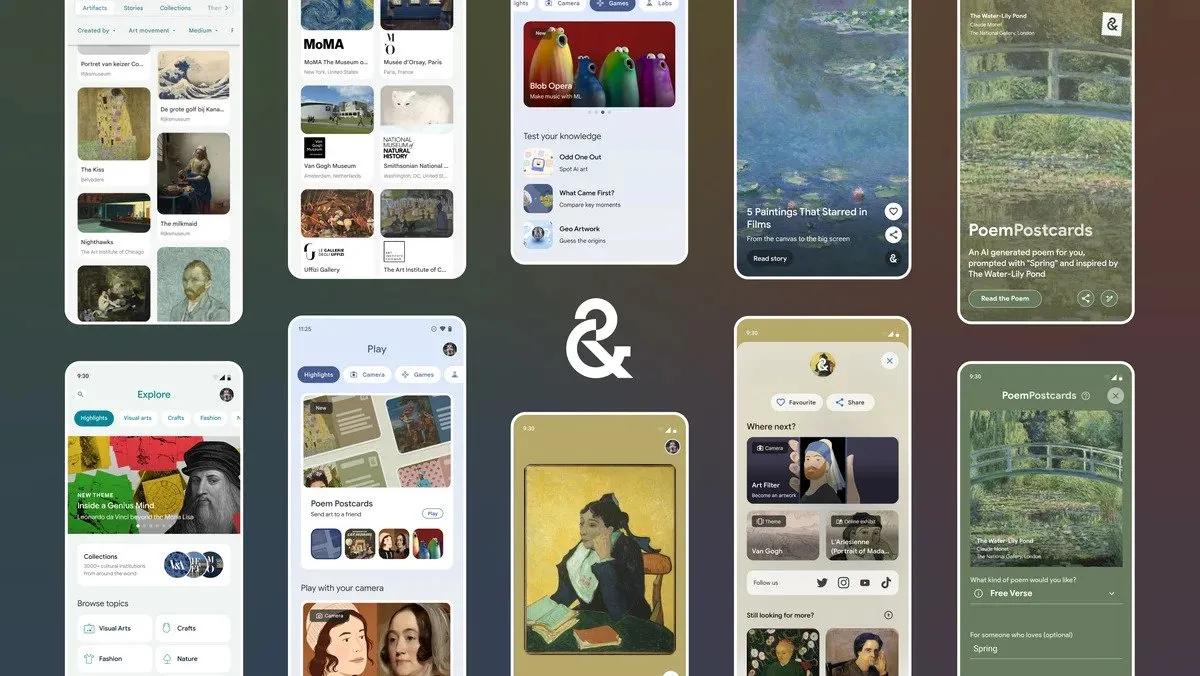
It seems as if Google's AI knows no bounds, as it's even toiling away at features (even if experimental) for its Arts & Culture app. There was a larger update a while ago, which brought new goodies, like an Inspire feed and AI poems. Joining the Inspire feed was the app's Explore tab about artifacts and historical/cultural stories. Additionally, the AI poems were brought to users by Google's PaLM 2 model.
What was generated could be sent to friends or family, as well.
Also, the app's new World Toon Video seems like an extension of what the app already had: Art Selfie. Users can take a selfie of themselves and see it transformed into a historical art piece that others can guess where it's from. It's a little bit of a game mixed with educational learning, which, at the end of the day, might help you kill some time, at least.

