
The headlines since the Galaxy XR's launch have been pretty clear. Samsung's first Android XR-powered headset is fantastic, and it's being lauded as the more affordable Apple Vision Pro we've been asking for. But does that mean it's right for you?
That question depends entirely on what you plan to do with it, of course! Just like the Apple Vision Pro, Samsung and Google have posited that the Galaxy XR is for entertainment and productivity, with a little sidecar of gaming attached.
That means if you're looking to work on your headset and want an infinite canvas of monitors surrounding you at all times, the Samsung Galaxy XR is the best way to achieve that goal. Similarly, if you regularly find yourself at home disinterested in what everyone else is watching or playing, Galaxy XR is a great way to kick back and see or play what you want without being kicked off the TV again.
Already ahead of the pack
Why you can trust Android Central Our expert reviewers spend hours testing and comparing products and services so you can choose the best for you. Find out more about how we test.

Galaxy XR has the best screen ever in a VR headset, packing in an incredible 29 million pixels in a pair of micro-OLED panels. These panels are powered by the Snapdragon XR2 Plus Gen 2 chipset and, since Android XR runs the show, every single Android app on the Google Play Store works on the headset.
That means any streaming app, productivity app, or really any app at all can be found and used on the headset, so you don't need to wildly adjust your current habits to jump into Galaxy XR's amazing immersive views.
In fact, Galaxy XR is the only VR headset with an official Netflix app, so you get the full quality of every show and movie without worrying about browser compatibility or side-loading.
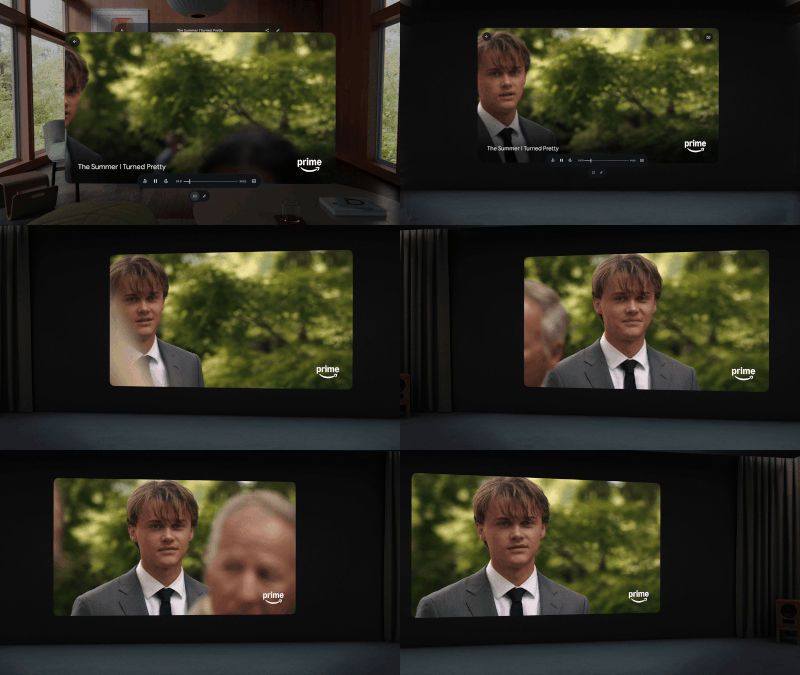
On top of that, it's easy to hook Galaxy XR up to a PC wirelessly with the Virtual Desktop app, or just natively hook up to a Galaxybook laptop with Samsung's built-in software. This way, you can not only work on your PC without hurting your neck (boy, do I hate looking down at a laptop for hours), but you also get the flexibility of multiple monitors, no matter where you are.
That means you can bring your laptop and headset with you on your next work trip and still feel like you're working at home. It also means long plane rides can be a way to relax and unwind with a giant virtual theater in front of you instead of a seat 15 inches from your face.
A VR gaming powerhouse

VR gamers will find that the Meta Quest 3 is a better buy for standalone VR games, as it has thousands of titles available through Meta's store. But PC VR gamers should seriously consider the Galaxy XR, as it's currently the best wireless headset for PC gaming.
That's because the Virtual Desktop app is able to pass Galaxy XR's face tracking, eye tracking, and hand tracking capabilities to your PC, allowing apps like VRChat to use this data to create more lifelike avatars. There's no other wireless VR headset on the market with this capability and power, making it the ultimate choice for wireless PC VR gaming enthusiasts.
Do you find yourself fitting into any of these three categories? If so, the Galaxy XR may just be the standalone headset you've been waiting for. It takes everything that was great about the Meta Quest Pro and improves upon it, delivering Apple Vision Pro-like visual fidelity with a new breakthrough in Android app support made possible by Android XR. It's a phenomenal solution for folks wanting the best of the best on the Android side of things.

Cutting-edge hardware meets the best XR operating system ever made. With every Android app on Google Play, bespoke XR apps from popular services, and an incredible new Gemini-powered assistant that can interact in never-before-seen ways, Samsung Galaxy XR is the start of a new generation of AR and VR devices.

