
What you need to know
- Google announced that it's rolling out a fix for the rotation issues that plagued users late last year in the Phone app.
- Now, users will find a "keep portrait mode" option in the Display settings in the Phone app.
- Users reported this issue late last year, adding that, when their Phone app did rotate, its UI would split into two separate views, making things jarring.
Users with the Phone app by Google reported a frustrating issue last year: it kept rotating unwantedly. Now, the company's finally ready with its permanent fix.
This week, Google announced that it's starting to roll out that "control" for users to stop the Phone app from surprisingly rotating on them mid-conversation (via PunikaWeb). Google said in its post that the fix that's already rolling out should give users a way to stop the app's "automatic landscape mode" when on a call. What's started arriving for some users is a settings option called "Keep portrait mode."
The feature's name is pretty on the nose. Nevertheless, the feature lets users ensure that their Phone app keeps its contents in portrait mode, which aligns with how you'd typically hold your device.
However, alongside this new setting, Google says it's made portrait mode the "default" in the Phone app, per user requests. After the update has reached your device, you shouldn't have to do anything. All calls should remain in portrait; however, if that's not the case, Google walks users through some steps.
Users can open the Phone app > Menu > Settings > Display options > Keep portrait mode. Users can toggle this feature on or off, depending on whether they want a static portrait UI or one that will rotate. According to PunikaWeb, this feature is rolling out widely, so you should begin to see it soon.
User feedback prevails
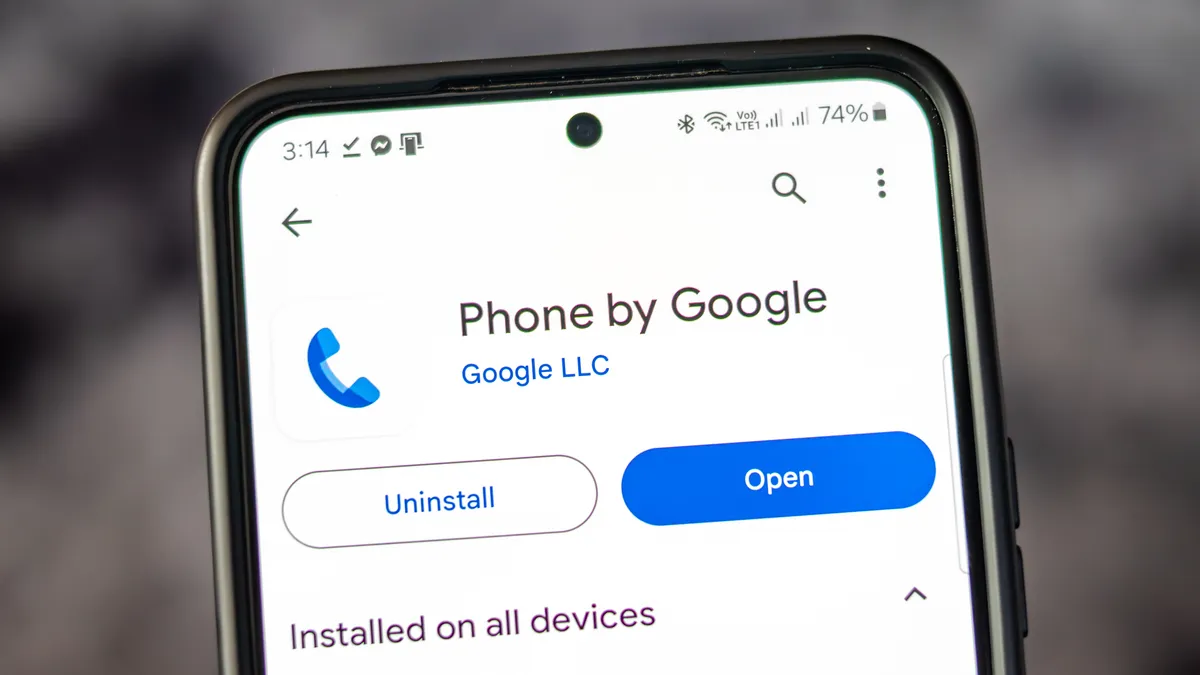
Just before the holidays, user grievances with the Phone app by Google surfaced, as many reports highlighted its unwanted rotation. What happened was users discovered that the Phone app was abiding by their "auto-rotating" setting, which applies to other areas of their device. For this, think about watching videos or turning your phone when browsing the internet. Unfortunately, when it came to the Phone app, it would rotate while taking a call, likely due to the tilt when placing it to your ear.
More than that, when the Phone app did rotate, it would split its UI into what resembled a split-view. It was jarring for users and did not sit well. It was reported that Google was testing new "controls" for the Phone app to help prevent this issue from happening. The "keep portrait mode" was spotted in testing from Google, and it seems that it's finally made its way to all users.
There was another feature spotted in testing, called "Expressive Calling." If this feature makes it, it would give users a way to make their urgent calls hard to ignore, as they could set a "call reason."

