
What you need to know
- Leaks suggest the Galaxy S26 Ultra is baking anti-peeping tech directly into the display.
- The rumored “Privacy Display” mixes hardware and software, likely using Flex Magic Pixel OLED tech and AI to block side views.
- Privacy Display is said to live in Display settings, can be added to Quick Settings, and isn’t locked to a simple on/off switch.
Privacy screen protectors aren’t exactly fun to use. They stop people from peeking at your phone on the train, but your screen always looks dimmer. Most of us just put up with it. But Samsung could be about to change that.
Leaks about the new Galaxy S26 Ultra suggest Samsung is building anti-peeping tech right into the screen. This isn’t just a software feature that lowers your brightness. It seems to be a real mix of hardware and software that could make plastic privacy films unnecessary.
Now, a report from SammyGuru explains how the outlet faked a device to act like the Galaxy S26 Ultra. This tricked the Samsung Tips app into showing a new feature called "Privacy Display."
No compromise viewing
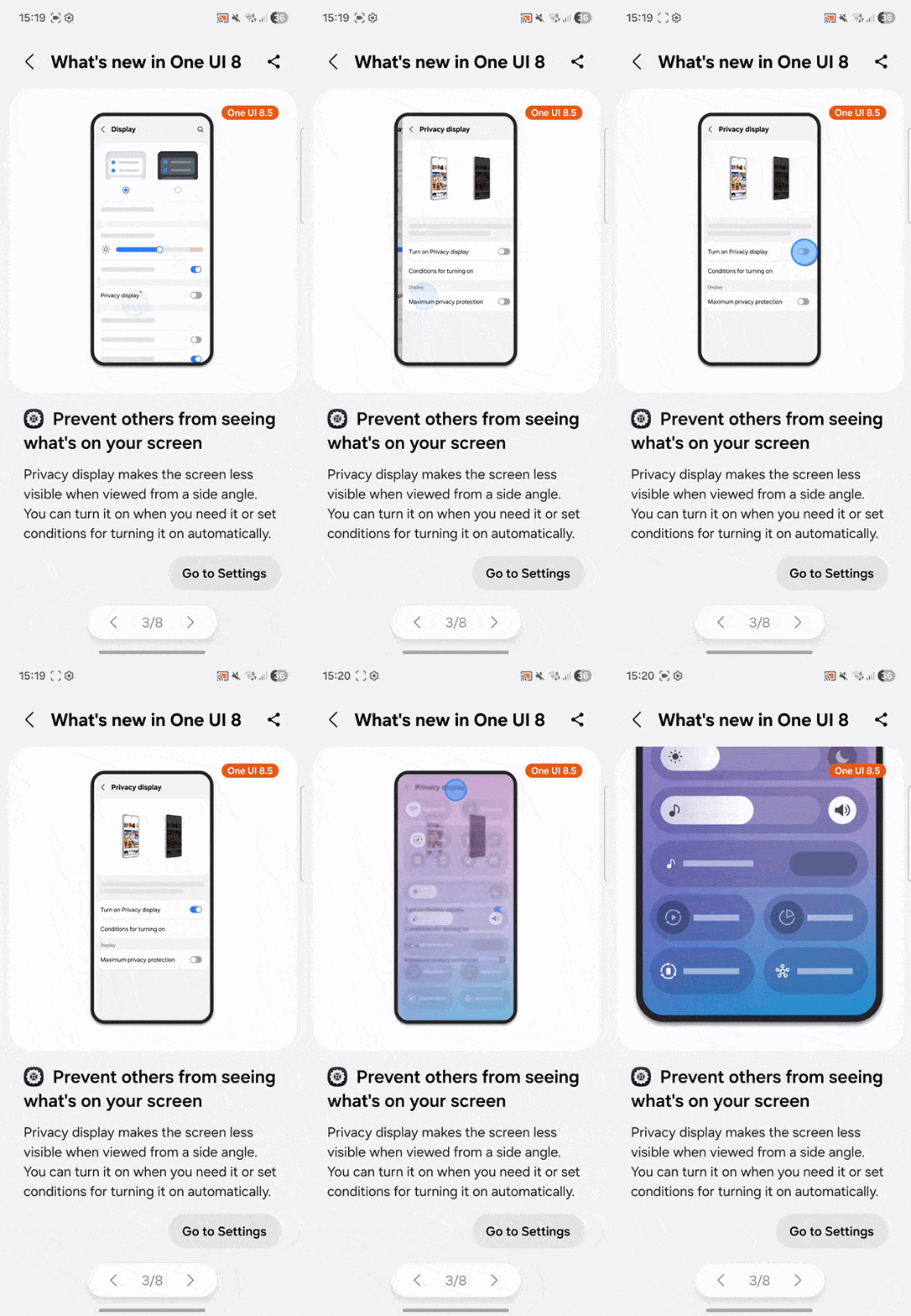
How does it work? Animations from the Tips app show that this feature is part of One UI 8.5. When you turn it on, your screen looks normal if you’re looking straight at it. But for anyone trying to glance at your phone from the side, top, or bottom, the display obscures itself, essentially blacking out the content.
You get the security of a physical privacy filter without permanently ruining your display quality for the 99% of the time you’re not on a crowded subway.
From a technical point of view, this is interesting. Rumors say Samsung is using something called "Flex Magic Pixel" OLED technology along with AI to make it work.
This feature isn’t just a simple on or off switch. Leaks say you’ll find it in Settings under Display, and you can also add a toggle to your Quick Settings panel.
It gets better — you can supposedly automate it. Instead of turning it on every time you hop on a subway train, the code hints that you can set Privacy Display to turn on automatically based on your location or when you open certain apps. For example, your screen could switch to private mode when you open your banking app, then go back to normal when you leave.
If these leaks hold up for the late February launch, the Galaxy S26 Ultra is going to solve a problem most of us didn't realize could be fixed by the phone itself.

