

In his weekly column, Android Central Senior Content Producer Nick Sutrich delves into all things VR, from new hardware to new games, upcoming technologies, and so much more.
Back in the day, Meta used to require all users to log in with a Facebook account when they wanted to use their Oculus Quest 2 headsets. That silly policy has been long dead for many years, but it still remains as easy as ever to log in to your Quest with your Facebook account. But before you hit the easy button, don't.
While it might sound nice and tidy to link all your Meta experiences together — that includes Facebook, Instagram, WhatsApp, Quest, Ray-Ban, and more — putting all your eggs in one proverbial basket means that all of them crack when the basket is dropped.
To use more straightforward language, if someone happens to steal one of your Meta accounts this holiday season, or you get banned for some silly reason because of Meta's famously dumb moderation tools, you'll lose access to everything you own from the company. Yes, that even means your precious Meta Quest headset. Here's what you need to do.

Enjoy our content? Make sure to set Android Central as a preferred source in Google Search, and find out why you should so that you can stay up-to-date on the latest news, reviews, features, and more.
Keep it separate, keep it safe
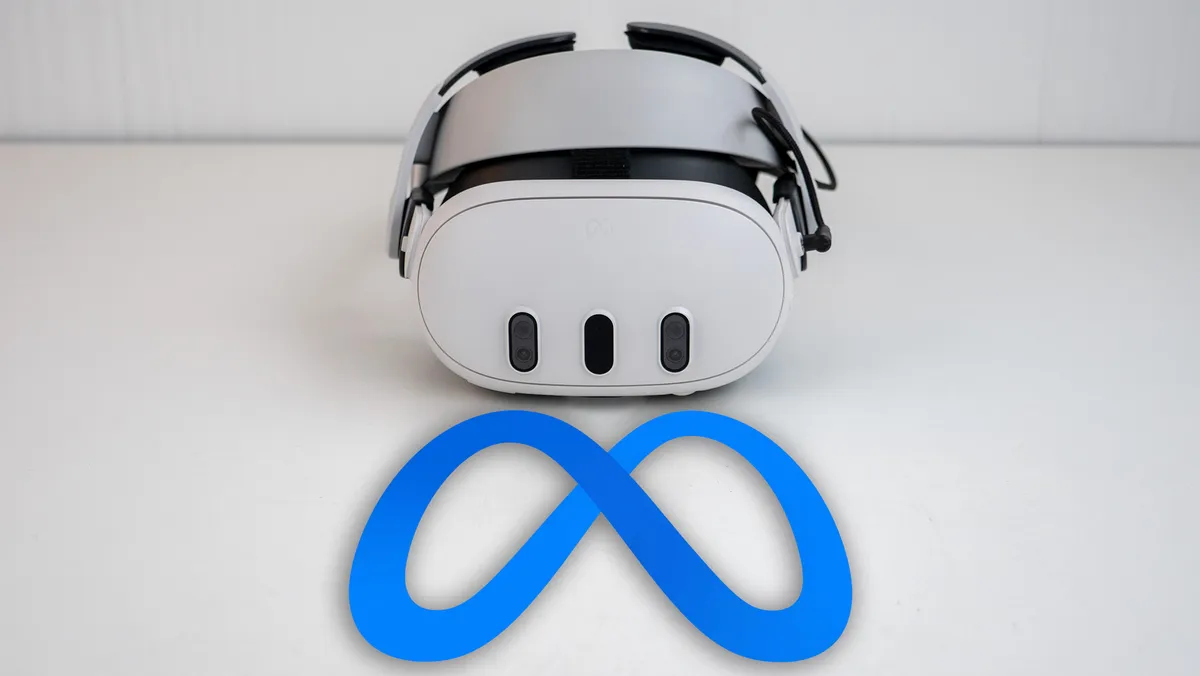
The best way to go about this process is for new owners to create a Meta account specifically for Quest use. You can do this through the Meta Horizon app (Android, iOS) that's used when setting up a new Meta Quest, or go to Meta's login page and create a new account from there. Only use this account on your Meta Quest and don't follow the tantalizingly easy prompts to log in with one of your other Meta accounts.
Existing users should head on over to the Meta accounts center page, tap Accounts under Accounts settings on the left menu, then remove any accounts that are linked to the Meta account you use on your Quest. This will ensure that anything that happens to your Instagram, WhatsApp, or Facebook account doesn't negatively affect your use of your Meta Quest headset.
What's the deal with linked accounts, anyway?

Many times when you log into an online service, you can choose to make an account by logging into your Google, Apple, Meta, Amazon, or other major service instead of creating yet another account and password to keep track of. This is a wonderful service that's also a useful way to ward off account breaches since someone would have to have access to your "master" account in order to access linked accounts.
But because of the way Meta handles linked accounts through its many products and services, one banned account means you lose all access forever. Yes, that even means you'll lose access to games you've purchased since those digital licenses are tied to that account.
It's heinously stupid and unfairly punishes too many people, since there are plenty of known instances of people's Facebook accounts being erroneously banned. Things are made worse by the fact that companies like Meta, Google, and others don't normally have a way to talk to a human being without jumping through tons of hoops.

I wish Meta handled things differently or, at the very least, gave Meta Quest users a way to offload their purchases onto another account if something happened with a linked account. While some people certainly deserve to be banned from using Facebook forever because of bad behavior, it doesn't make sense to take away all their purchases from an unrelated gaming console like a Meta Quest in one fell swoop.
Unfortunately, too many Meta Quest users have faced this terrible reality and, more often than not, it causes them to swear off the Quest forever. I certainly can't say I blame them, but you can learn from their unfortunate circumstances.
Trying to get a trillion-dollar company to change things like this is difficult, if not impossible. Thankfully, you can take just a few small steps to protect yourself and your gaming investment by unlinking your Facebook and other related Meta accounts from the account you use on your Quest.

