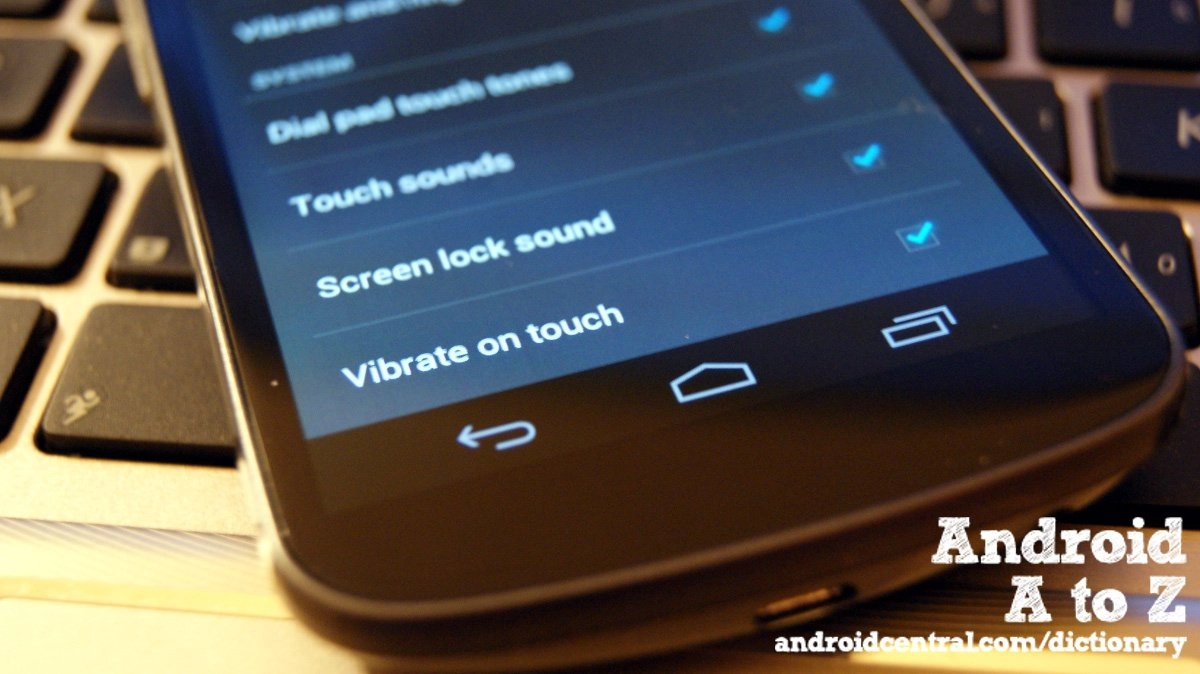
Haptic feedback

We're back with another installment of Android A to Z, and this time we're looking at haptic feedback. It's one of those little things that can make a big difference, and something we never really think about. Simply put, haptic feedback (commonly referred to as haptics) is the use of touch feedback to the end user. You know how your Android phone vibrates a tiny bit when you tap one of the navigation buttons? That's haptics at work.

Since the screen on your Android phone or tablet is pretty much just a smooth sheet of glass of some sort or another, it's difficult to register any sort of tactile feedback to our fingers. When we type on a computer keyboard, we know when our fingers have pressed a key down. Our mouse (and some trackpads) do the same thing with a healthy click when we press the button. On a smartphone, we just have to trust we've done something, and wait for it to happen. Haptics helps here. The short and light vibration when typing out a message with an on-screen keyboard can make a big difference for many of us, and I can see myself being pretty frustrated if an on-screen button didn't let me know I had pressed it.

Haptics go beyond navigation and the keyboard though. They can be a very important part of mobile gaming. Gunning your way through an enemy horde is much more satisfying when you feel every shot from your rifle, and nothing lets you know you've hit the wall in your favorite racing game like a harsh vibration from your phone or tablet. 

Probably the best thing about haptic feedback on Android devices is the way it can be customized. The OS itself is open, meaning OEM and developers can adjust things to get them just the way they like, including leaving the settings wide open to the user like we see in CyanogenMod ROMs. More importantly, application developers have access to the hardware controller to customize haptic feedback for their products. It goes one step further with the addition of things like the Immersion haptic SDK to the mix, where developers have an almost unlimited way to make their applications register with your fingers as well as your eyes and ears. Sometimes, the little things mean a lot.

Check out the complete Android Dictionary


More from the Android Dictionary

Google Play
Article
by Jerry Hildenbrand
May 30, 2012
Today on Android A to Z we're going to talk about Google Play. If you're new to Android, you see us throw it around a lot when talking about downloading apps, but there's a good bit more...
Factor Reset
Article
by Jerry Hildenbrand
May 29, 2012
A factory reset is the ultimate cleansing of your Android device. It's usually either a last resort to fix a problem, done before you sell it, or because you like to flash ROMs. When you perform...
End of life
Article
by Jerry Hildenbrand
May 25, 2012
End of life is a term none of us ever want to hear. We envision it means the death of our phone, and we should just throw it away and get a newer model. After all, it's at the end of its life, r...
DLNA
Article
by Jerry Hildenbrand
May 24, 2012
DLNA, or the Digital Living Network Alliance is an organization set up by Sony in 2003 that determines a universal set of rules and guidelines so devices can share digital media. The devices co...
CWM
Article
by Jerry Hildenbrand
May 23, 2012
We're getting a little hacky in this round of Android A to Z, and we're going to have a look at ClockworkMod recovery -- the de facto standard of custom recoveries for Android. It's...

 
There are 5 comments

LaFlamme says:

How does haptic feedback affect battery drain? I remember when I first got my phone, I read one commenter who insisted it was a big drag on the battery. Not sure if that was a real tip or just standard hysteria.

Synycalwon says:

It does have an effect on battery drain as it has to power the motor to spin the offset weight (creates the vibration) every time haptic feedback is needed. So if you wish to squeeze out as much battery life as possible, turn off haptic feedback completely in the OS (usually under "Sound settings" listed as "Vibrate"). :)

leicashot says:

I also wanted to know how much it affects battery drain

galfert says:

Haptic goes beyond the vibration motor in phones. In development are screens that let you feel contours. And there are many more possibilities when discussing haptics.

Our company, Immersion, recently ran a battery consumption study for Haptic on mobile devices. Typically only 1% to 2% is consumed, that's it. Our perception is that the Haptic feedback surely must be sucking the life out of our batteries, but our processors, screens, sensors & communiction components consume FAR more. So, next time you want to save battery, forget about haptics and dim your screen a bit or put your phone in airplane mode. That study I mentioned can be found here: http://blog.immersion.com/2012/07/batterylife/