
In an age where passwords are everywhere, and you absolutely cannot remember them all, password managers are a necessary utility. However, the one you pick needs to balance price, features, design, and UI — and of course, it needs to be secure.
If your passwords get compromised in a server penetration or an encryption error, you have to change your passwords for everything. These managers are the best of the bunch, with each having unique strengths and feature flavorings in their desire to stand out and deliver the most secure, satisfactory experience you can have.
We recommended LastPass in the past, but the brand did a poor job disclosing a recent breach, and given the stellar alternatives available, we think you should switch to one of the options listed below.
1Password
The great thing about 1Password is its simplicity. Like all options in this list, the app ties into Android's built-in password manager SDK, but if an app doesn't support it for whatever reason, 1Password has its own keyboard that lets you quickly copy-and-paste a username and password into the appropriate field.
1Password supports tags and groups; it can be used to generate random solid passwords or 2FA codes; it supports multiple vaults, one for personal and one for a family or a team, and switches between them seamlessly; it's fast to load and rarely crashes. 1Password also works with U2F keys now, adding an extra level of protection to your account and your passwords.
Dashlane
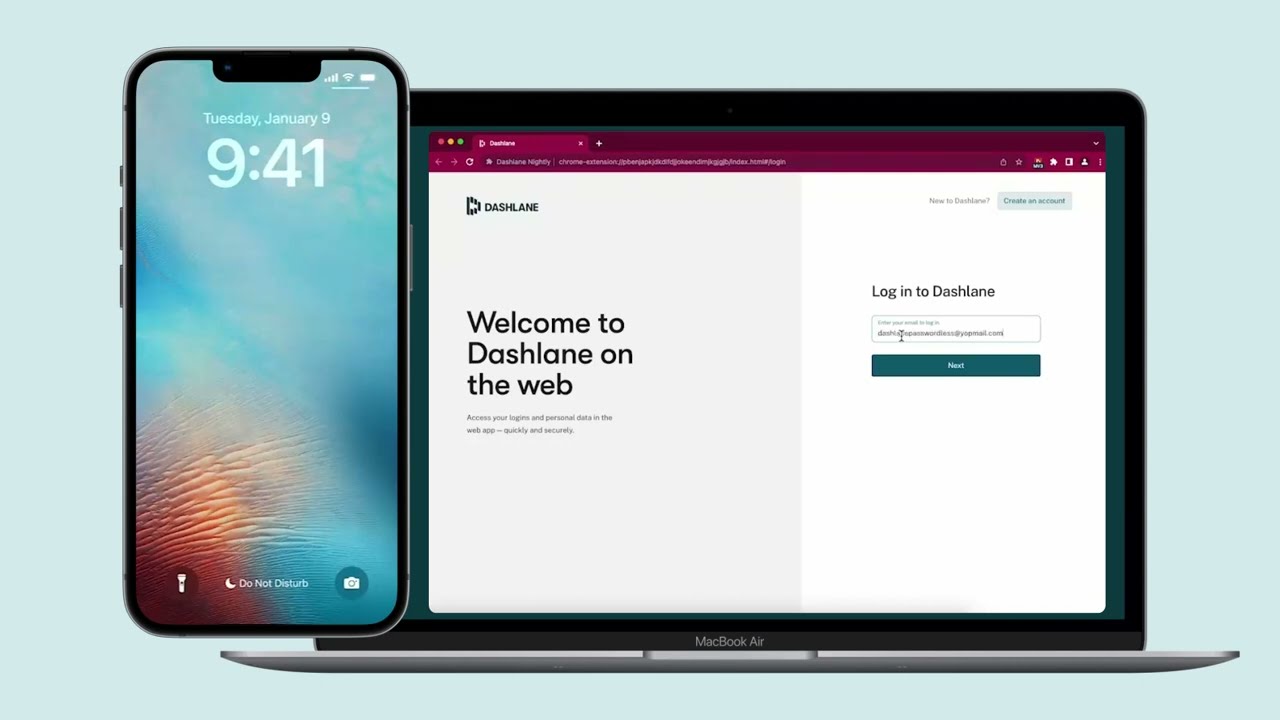
While 1Password is a favorite around here, Dashlane comes in a close second. The service features a beautifully designed application with an easy-to-navigate interface so you can find the passwords you need whenever prompted. There are apps for just about every platform, so you'll never be without your passwords.
The free version of Dashlane will be sufficient for some, but you will likely begin butting up against the limitations pretty quickly. The biggest hurdle is that you can only use Dashlane to store up to 50 passwords at a time. Considering how many different logins and accounts we all have, 50 may seem like a lot, but the truth is that it's just a drop in the bucket. While the free version is limited to storing just 50 passwords, Dashlane's Essentials plan offers unlimited password storage, along with being able to use the service with two devices instead of one.
If you want to switch from LastPass or want to dive into a password manager for the first time, then Dashlane Premium is the way to go. The company offers a 30-day free trial, so you can get your feet wet and everything organized. Then, you'll be able to use the app on an unlimited number of devices without any limits on how many passwords can be stored. Plus, you'll be provided with a VPN for WiFi protection and will receive alerts from Dashlane's Dark Web Monitoring service.

Enpass

The most important parts of any password manager are security and convenience. Enpass offers the same level of password vault security as the rest of the competition, but there's an added layer of protection in its model because it doesn't store any of your data itself — you choose where to store and sync it so that you can save it in Google Drive or Dropbox. Of course, that adds a little more overhead for you at first, but you can have the peace of mind of knowing you control the vault's location.
Then there's convenience. Of course, Enpass has apps for all of the major platforms, and your cloud service of choice can provide syncing, but there's nothing more convenient than never having a recurring payment just to keep your password manager around. Enpass is a one-time purchase, not a subscription, so you buy it and own it. That's it.
Microsoft Authenticator

It has been a slow build-up over the last few years, but Microsoft has been on much more of a focused path with its apps and services. Edge is already one of the best Android browsers or the computer now that it uses Chromium. Now Microsoft has its eyes set on helping you keep your information secure. Over the last few months, Microsoft Authenticator has been transformed from a basic 2FA app into a more robust password manager.
You can import your passwords from Chrome with ease and use Authenticator to access those passwords or create new ones. So it's a pretty straightforward solution to managing your passwords. That being said, you won't find a gorgeous design while using the app, but hey, it's completely free, and you can store as many passwords as you want.
Google Password Manager
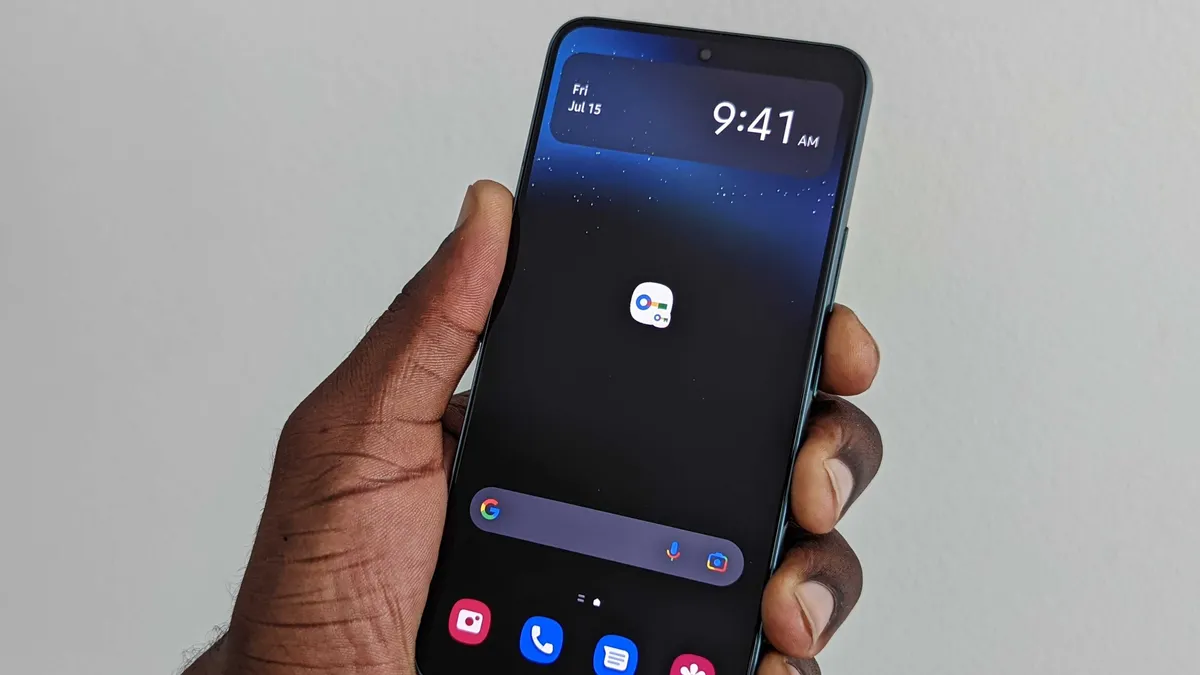
Instead of masquerading as a traditional application, Google Password Manager is built right into your Google account already. Since we're already using Android and downloading apps, that means that you already have access to this manager. Whenever you create a new account or need to update a password, Google will provide a bit of help so you can generate new logins that can't be easily guessed.
There are a lot of great password managers out there that bring a lot more control and multi-layer security to this affair, but for ease of use, nothing beats a pre-installed service.

NordPass

Keeping with the trend of VPN apps making password managers, that brings us to NordPass. As the name suggests, this is just one of the offerings from NordVPN, which also is one of the best Android VPN apps. Easily import your passwords from your browser or use a CSV file if you happen to be coming from another password manager.
The app itself provides end-to-end encryption while being able to save and help you create passwords and logins. Plus, you can even save your credit card information for easy access when your wallet is in the other room. Or maybe you want to take down some notes but don't want to keep that information in something like Google Keep. Fire up RememBear, jot down what you need to remember, and keep it protected with one of the best password managers for Android.

Bitwarden

If you're looking for a password manager that is a bit more robust than what Google and Microsoft have to offer for free options, then Bitwarden is the way to go. The service allows for unlimited password storage with a free account while allowing you to self-host your passwords and generate new ones. Then, all of your passwords can sync across any devices you want to use to access Bitwarden.
Turning things up a notch, Bitwarden Premium provides everything you can get in the free version, along with some extra goodies. For example, you'll get 1GB of file storage so that you can store images or notes, along with Bitwarden Authenticator. Bitwarden Premium even supports two-step authentication from integration with the YubiKey if that's your kind of thing.

Proton Pass

You might not think that there's still space in the market for a new password manager, but that's where you would be wrong. Proton Pass launched in June 2023, joining the ranks of Proton Mail and Proton VPN. The app is available across all major platforms, offering the same features you'll find elsewhere.
With the free version of Proton Pass, you'll enjoy "unlimited logins and notes" that can be used across "unlimited devices." The company also includes ten "hide-my-email aliases" so you can sign up for a service or newsletter, and get rid of the alias whenever you see fit.
From there, Proton Pass Plus is priced at either $4.99 per month or you can sign up for a year and pay less than $24. With that, you'll get everything included in the free version, along with unlimited "hide-my-email aliases," a built-in 2FA authenticator, and much more. Lastly, if you already subscribe to one of Proton's other services, Proton Unlimited includes all of the company's offerings for either $13 per month or $120 per year.

Everyone should use a password manager
Why you can trust Android Central Our expert reviewers spend hours testing and comparing products and services so you can choose the best for you. Find out more about how we test.
To put it bluntly, if you aren't already using a password manager, stop what you're doing and download one. Between the various data breaches and website leaks that occur on a daily basis, chances are that one of your passwords has already been compromised.
And, if you're someone who has been reliant on re-using the same password for multiple accounts, you're even more vulnerable. Password managers aren't just the digital version of a slip of paper you leave on the refrigerator. These all can generate unique and secure passwords, with many of them being able to also double as your two-factor authentication client.

