
What you need to know
- Google now counts Android backups like SMS, call history, and settings toward your Google storage quota.
- New backup controls let you choose exactly which data, including call history and settings, gets backed up.
- Google says the average Android backup is only around 40MB, so most users won't notice a major impact.
Google has started counting your Android phone's backup data against your Google account storage.
Previously, Android backup data, including SMS, call history, and device settings, didn't count toward your Google storage quota. The only backup data that did count was Google Photos and MMS.
However, as spotted by 9to5Google, starting July 7th, Google is now counting all Android backup data against your total Google account storage.
This means SMS, call history, device settings, and other app data will now all count toward your total storage. On the upside, though, Google is also giving users more control over what gets backed up. There are new toggles in the Android backup settings that let you manually choose what's included.
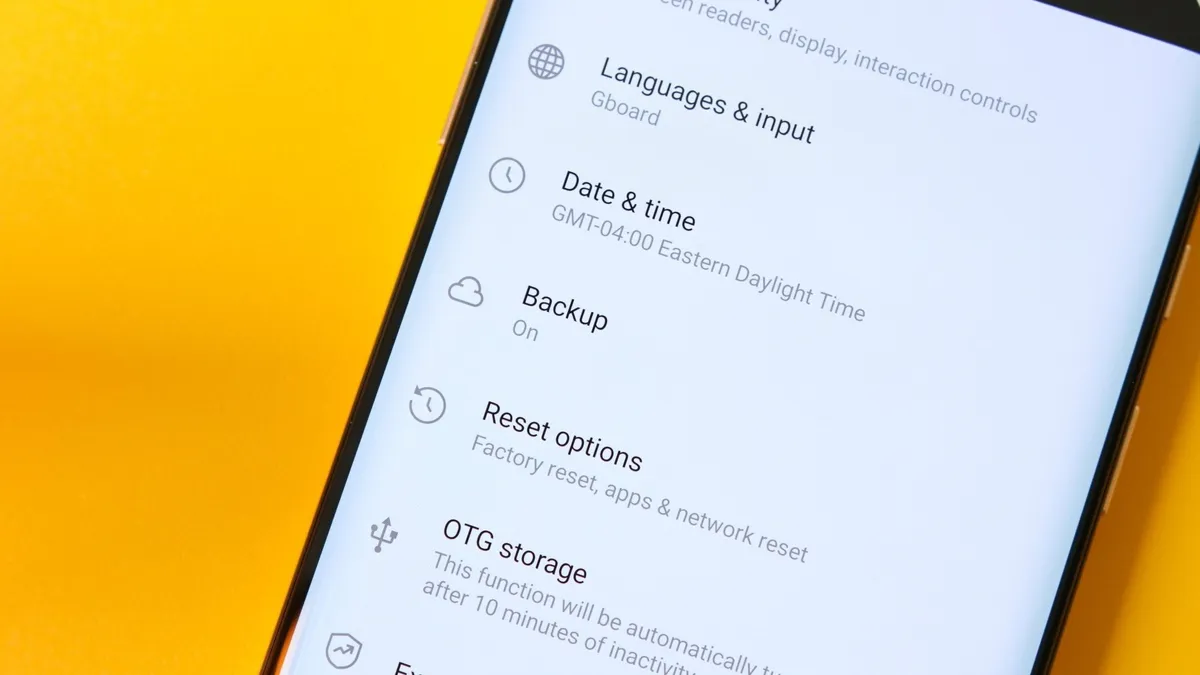
For example, you can choose whether to back up your call history, device settings, or app data individually, and turn off anything you don't need. You can find these options by going to Settings > Accounts and Backup > Google Backup.
The good news is that this will barely matter for most people. Google says the average Android backup is only around 40MB in size, so it's unlikely to make a meaningful dent in your total storage.
That said, if you have a lot of data to back up, you might need to upgrade to paid storage through a Google One or Google AI plan to get the extra headroom you need.
Google has already started rolling out the change. I can see it on my Pixel 10 Pro, and the company says existing accounts will get it in the coming months.
Android Central's Take
Honestly, I assumed Android backup data was already counting against my Google storage this whole time. Turns out it wasn't, so this change doesn't bother me much. What I do appreciate though is the new granular controls. Being able to choose exactly what gets backed up is something Android should have offered a long time ago, and I'm glad it's finally here.

