
As the saying goes, "there's an app for that." There really is an app for just about anything, whether it's entertainment, productivity, utility, news, shopping, and more. The idea behind apps is to help make our lives easier with one-tap access to what we need. But this also means that no matter which app store you'e using, there's an overwhelming number of apps from which to choose.
This in-depth guide of the best Android apps is designed to help you cut through it all and find the best apps in all the top categories. We've broken them down by category to make it easy to scan and find what you want.
We've focused on the most useful and most innovative apps, including ones that are now integrating AI. For example, Google Gemini can now perform cross-app actions so it can access multiple apps from a single prompt. It's one of a handful of Play Store apps that truly deserve your attention.
This list is by no means exhaustive, but you'll be happy with any app on this list. But if feel that we've missed something great, don't forget to leave us a comment on why you think it deserves to be on the list. We might just add it to the roster!
The best smart assistant apps

Who needs a personal assistant when you have services like Google Assistant — or rather Gemini — and Amazon Alexa available wherever you go? These types of apps aim to help alleviate the stresses and pressures of your day-to-day life to make things easier. From automation to interaction with smart home products and everything in between, these apps allow you to get work done with some help. Google Gemini is quickly replacing Assistant as the default AI helper on Android phones, so do check it out as its features extend well beyond what you might have already been familiar with with Assistant.


Best productivity apps

Productivity apps help you get things done. Be it the best keyboard app, to-do lists, password managers, file managers, or learning apps — there's a great app for every need. Whether you want something basic or need to go to the extremes of customization, here are some of the best apps to help you be more productive.




Best internet browsing apps
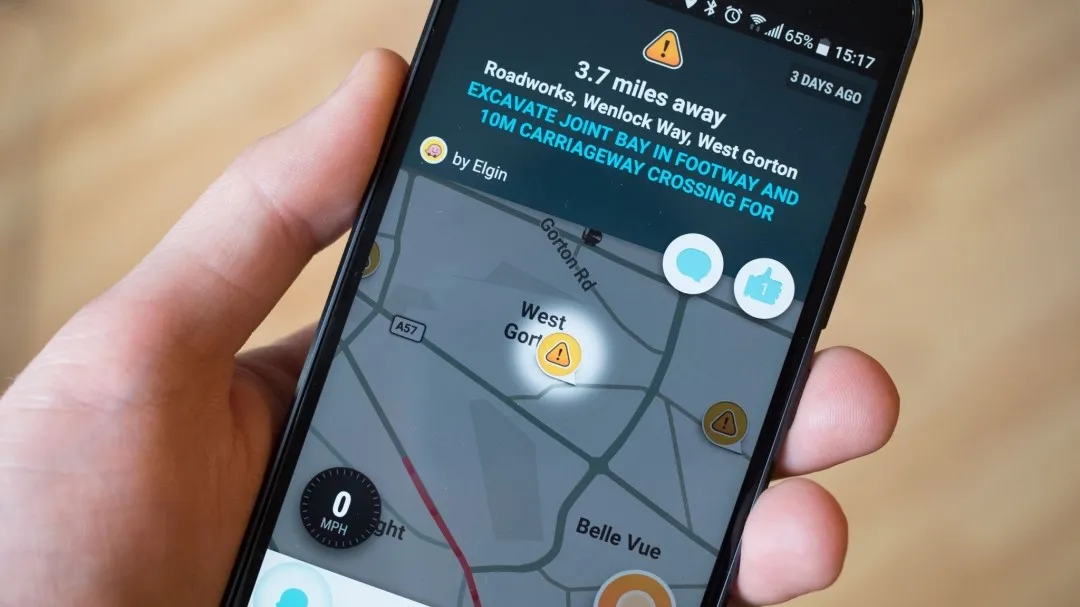
This is your one-stop list for all things internet related. From the best browsers, to email clients, to the best VPN services for protecting your privacy, this list has it all. While Android's default apps are good, there are few others that are better in some way, making them worthwhile downloads.


Best social apps

Social media is a fickle mistress. It can be a great source of news and information and an easy way to keep in contact with your friends. But it's also frustrating when the latest trends and memes clog up your timelines. If you're a social person in real life too, you can use some of the best dating apps to meet like-minded people.



Best communication apps

Let's be real. Messaging is the primary way that just about everyone communicates. When was the last time you actually made or answered a phone call? Thanks to the various apps and services, it's much easier to shoot your mom a text to check in on how she's doing. These messaging apps open the doors to easier communication with friends, family, co-workers, and others. For more personal contact, try one of the best video calling apps. These help bridge the distance and make you feel like the person you're speaking to is in front of you.




Best news and entertainment apps

All work and no play is not a great way to live. The best news and entertainment apps bring you the latest happenings around the world at your fingertips, and also lets you unwind and get immersed in your favorite show, movie, or music playlist. Here are some of the best apps that you should check out.








Best self-improvement and digital wellbeing apps

Mindless YouTube videos, brain rot Instagram reels, and video games don't do much to keep your mind sharp. But, at the end of the day, your mind is the most powerful tool, and it's important to keep it sharpened. These tools let you step away from your phone, track and improve your fitness, and help you balance your digital wellbeing.









Best cloud storage, recording, and backup apps

You don't want to be stuck in the dark trying to find that file that you could have sworn you downloaded but has been buried. Any one of these excellent cloud storage solutions can be the boon you've been looking for to keep your data safe and sound, backed to the cloud. Another great way to take a backup of a physical document or photo is to quickly scan it, with these best scanner apps. Voice recording apps can be super handy when you need to record and keep a backup of an interview. Better still, some will even transcribe the recording for you, saving you a ton of time.


Best miscellaneous apps

Need an easy way link your Android phone with your computer or want to edit the amazing photo you've just taken to perfection? These miscellaneous apps can help you achive all that. Android is also highly customizable, and these launchers that we've shortlisted will help you totally change the look of your phone. If you have a lot of old gadgets piling up and wish to offload some, check out these apps to sell used items as well.

There's literally an app for everything
Why you can trust Android Central Our expert reviewers spend hours testing and comparing products and services so you can choose the best for you. Find out more about how we test.
When browsing the Play Store, you'll find thousands and thousands of applications that look interesting, which is why you need a guide like this one to help you narrow down to which specific apps are actually worth using. There are many different applications to discover, and we are always looking for that next life-changing app to check out. While some of these apps require payment, the vast majority of them are free to use. Some of these apps can even improve the best cheap Android phones so you can get a premium-feeling experience with even an entry-level phone.
Without applications, our smartphones would just be phones, and where's the fun in that? So whether you love mobile gaming, getting things done, or just want to sit back and catch up on your favorite show, there's an app for that. And while some applications may work for me, that doesn't mean it will work for you. That's why we've gone the extra mile and provided plenty of alternatives in each category.
These are just some of the best apps you can find today, but we are always looking and hoping for new and exciting apps to hit the Play Store. If you think we missed an app that deserves to be featured among the best Android apps, leave us a comment and we might just add it with the next update!

