Motorola is a longtime communications company, the manufacturer of the first cellular telephone — and it may well be responsible for making Android what it is today.
Today, Motorola has carved out a massive comeback by leaning hard into style, nostalgia, and their own flavor of smart tech. Motorola is basically taking iconic, eye-catching hardware, complete with vibrant Pantone colors and massive external flip screens, and packing it with smart assistants that do the heavy lifting while you're on the go.

-
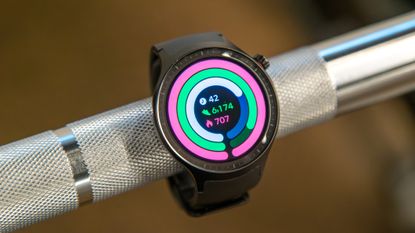 Samsung challenger incomingThe Galaxy Watch Ultra could finally have some serious competition from Motorola
 -
-
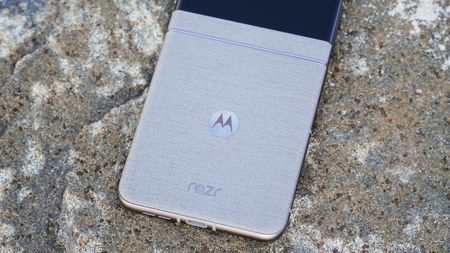 BrighterMoto's Razr 2026 leaks with Swarovski crystals that shimmer like stars in space
 -
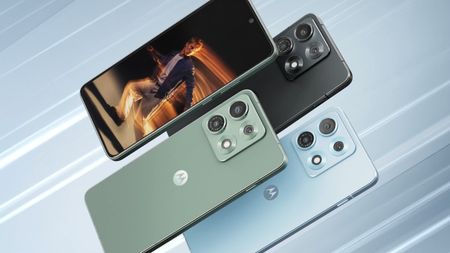 Truly MaxMotorola's Edge 70 Max has a huge battery and Qi2.2—I'm more interested than I thought I'd be
 -
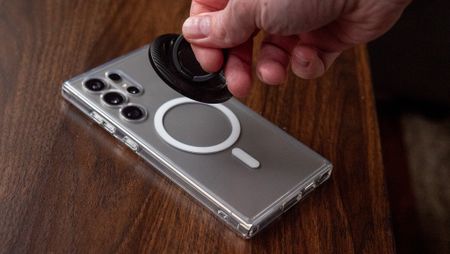 Magnets built inMotorola's next phone could beat Samsung to a charging feature only Apple and Google have
 -
 Built for real handsMotorola Edge 2026 and Moto Buds 2 double down on comfort, battery life, and practicality
 -
 A problemMotorola slid affiliate codes into your Amazon orders, now states this was 'unintended'
-


-
 Superior soundI changed 5 settings and my Moto Buds 2 Plus instantly sounded better
 -
-
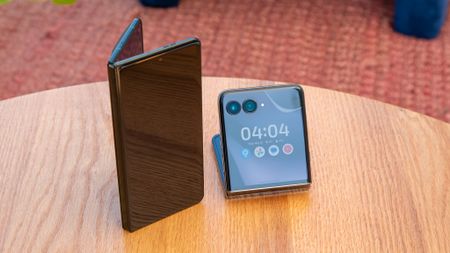 Editor's Desk8 ways I optimize my 2026 Motorola Razr camera to help me take better photos
 -
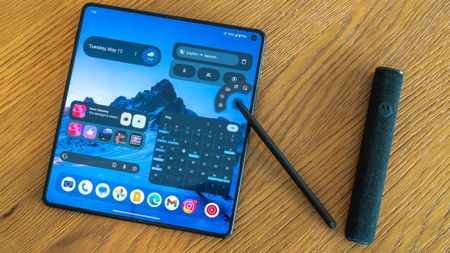 Stylus tips and tricks6 things you can do with the Moto Pen Ultra on the Razr Fold
 -
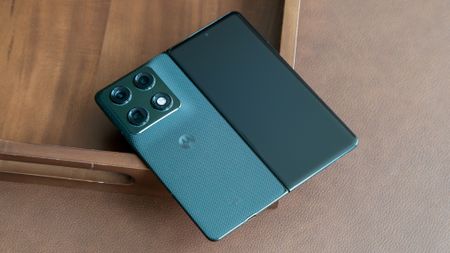 Quick LaunchThis handy Motorola feature lets me launch apps and start actions without touching the screen
 -
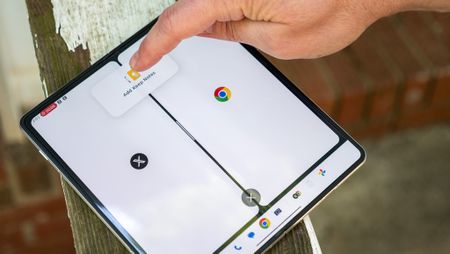 AC HacksUnlock the Razr Fold 2026's true multitasking power with these hidden features
 -
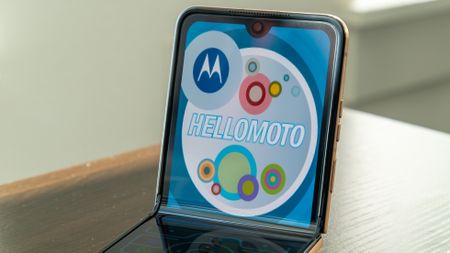 How ToThis hidden Motorola Razr feature is like a time machine that takes you back to a simpler time
-


-
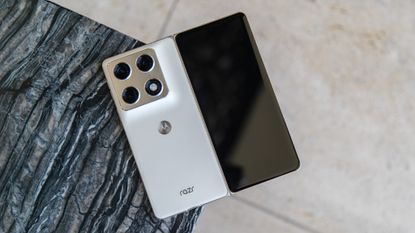 Fold the sequel5 ways the Razr Fold 2027 can improve on Motorola's already-excellent foldable
 -
-
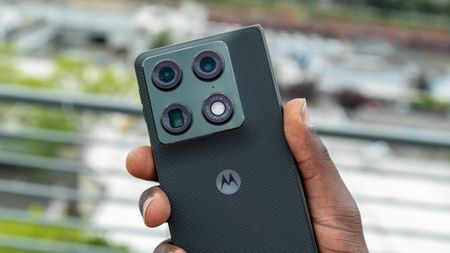 Frame MatchSummer is around the corner, and this new Motorola Razr feature can help you take better vacation photos
 -
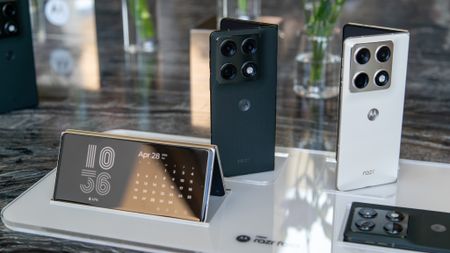 A bigger foldMotorola Razr Fold: Release date, specs, features, and everything you need to know2 Comments
 -
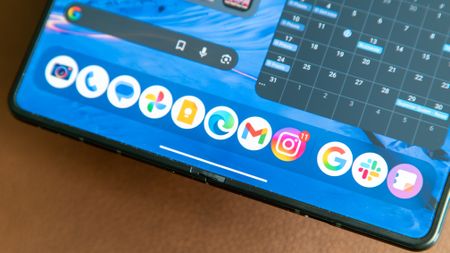 Super-fast chargingHow fast is the Motorola Razr Fold charging speed?
 -
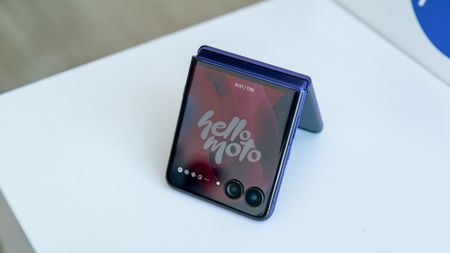 Smarter shopping4 phones to buy instead of the Motorola Razr Ultra 2026
 -
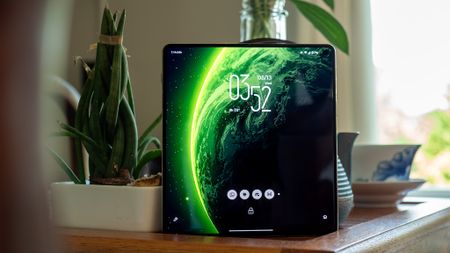 2 screens, 1 verdictMotorola Razr Fold 2026 display review
-


-
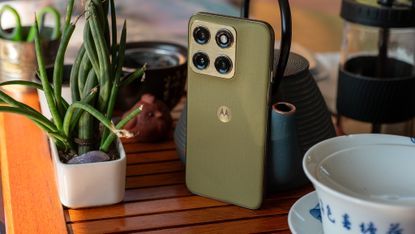 A serious edgeMotorola Edge 2026 review: Talk about a major improvement!
The Motorola Edge 2026 might have the best year-over-year improvement of any smartphone released in 2026, making it a great choice for mid-range buyers.
4 Comments -
-
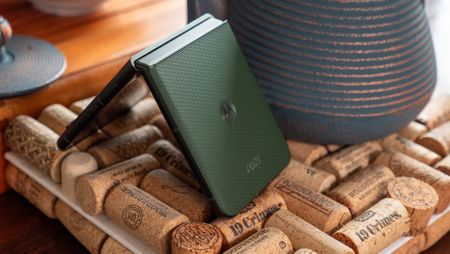 Stealth upgradeMotorola Razr Plus 2026 review: Old Razr, new tricks
The Motorola Razr Plus 2026 is a stealth upgrade, and I think that's exactly what Razr users want.
-
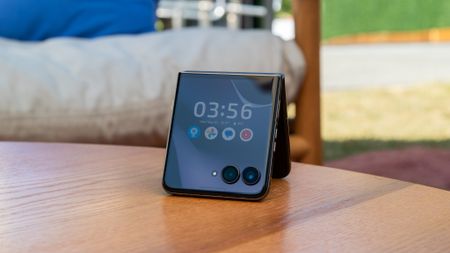 A dull RazrI want to love the Motorola Razr Ultra 2026, but after testing it for two weeks, there's one major problem holding me back
The Motorola Razr Ultra 2026 is a good phone, but for $1,500, it's hard to recommend. After testing it for two weeks, it feels more like the Razr Ultra 2025 Part II.
3 Comments -
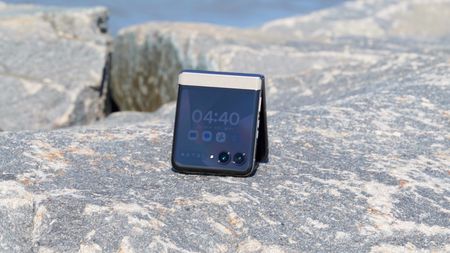 Remarkable RazrThe Motorola Razr 2026 is slightly more expensive, but it's still the best budget flip phone you can buy. Here's why
The Razr 2026 isn't quite the deal it was last year, but there are enough upgrades to ensure this is still the best-value flip phone in Motorola's lineup.
-
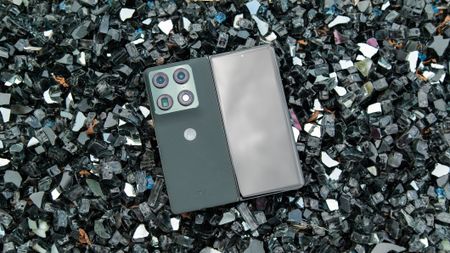 Big brother RazrI've tested the Motorola Razr Fold for two weeks, and Samsung has a new reason to be nervous
Motorola's new Razr Fold is the company's first book-style foldable, and after two weeks of testing, we have high hopes for the company's foldable prospects.
-
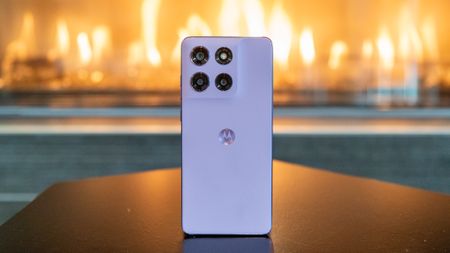 Moto G Stylus 2026 review: S Pen for less
We tested Motorola's new Moto G Stylus 2026, and it offers a familiar experience in a familiar package, but it comes at a higher price.
10 Comments
-


-
-
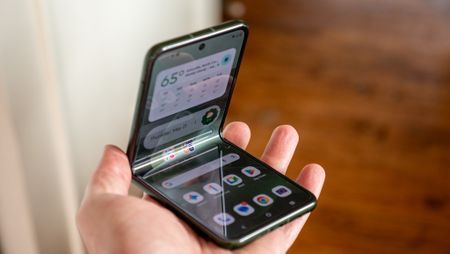 It's hereThe best Motorola Razr (2026) deals of July 2026 — free phones, gift cards, and more
 -
Magnets built inMotorola's next phone could beat Samsung to a charging feature only Apple and Google have
-
 Razr+FIFAI went to a FIFA World Cup match with the Motorola Razr. Here are the 5 best camera features I used to capture the moment, and how you can get a serious discount on a powerful Razr flagship
-

